Tuning
Resonance
Typically, each toolhead board will have its own accelerometer for resonance testing. Each accelerometer needs to be given a unique name in Klipper so that it can be called directly.
[adxl345 T0]
cs_pin: NHK0:gpio27
spi_software_sclk_pin: NHK0:gpio18
spi_software_mosi_pin: NHK0:gpio20
spi_software_miso_pin: NHK0:gpio19
axes_map: x,z,y
Klipper's [resonance_tester] module only supports a single accel_chip to be set at a time. This means that any time you want to run input shaper, the accelerometer chip needs to be defined to ensure the correct toolhead board is being used.
You can swap the accelerometer manually by changing the accel_chip in [resonance_tester].
[input_shaper]

[resonance_tester]
accel_chip: adxl345 T0
probe_points: 175,175,20
sweeping_accel: 400
sweeping_period: 0
To run input shaper without changing the accel_chip in [resonance_tester], you can specify the accelerometer in the macro's parameters.
Applying the Results
Each tool can have the frequency, shaper type, and damping ratio defined for the X and Y axes in the [tool Tn] section by adding the following parameters:
params_input_shaper_freq_xparams_input_shaper_type_xparams_input_shaper_damping_ratio_xparams_input_shaper_freq_yparams_input_shaper_type_yparams_input_shaper_damping_ratio_y
[tool T0]
tool_number: 0
extruder: extruder
fan: T0_partfan
params_park_x: 5.0   # The absolute X-position of the tool in its dock.
params_park_y: 10.8  # The absolute Y-position of the tool in its dock.
params_park_z: 264.4 # The absolute Z-position where the tool and shuttle mate in the dock,determined when the TAP (or Z-probe) triggers.
gcode_x_offset: 0 # The X-Axis offset of the nozzle's orifice in relation to tool 0
gcode_y_offset: 0 # The Y-Axis offset of the nozzle's orifice in relation to tool 0
gcode_z_offset: 0 # The Z-Axis offset of the nozzle's orifice in relation to tool 0

params_input_shaper_freq_x: 62.2
params_input_shaper_type_x: 'ei'
params_input_shaper_damping_ratio_x: 0.098
params_input_shaper_freq_y: 41.0
params_input_shaper_type_y: 'mzv'
params_input_shaper_damping_ratio_y: 0.088
Tool Change Speed
The speed of a tool change is determined by multiple factors.
- The size of the printer.
- The quality of components used.
- The power given to the motors.
max_velocityin the[printer]section.max_accelin the[printer]section.max_z_velocityin the[printer]section.max_z_accelin the[printer]section.params_fast_speedin the[toolchanger]section.params_path_speedin the[toolchanger]section.
The first 2 are choices made while building your printer, make sure to use quality motors and rails from reputable sources. The third depends on which PSU and motor drivers you have, and the rest are all settings that need to be tuned.
Determining Power
Typically, a good starting point for the run_current of your motors is to use 40% of the motor's rated current. For example, if your motor is rated to 2a, 2*0.4=0.8. Your starting run_current would be 0.8. This can vary depending on the motor or manufacturer, but whether your running 24 or 48 volts, 40% of the motors rated current should yeild good results.
Increasing the run_current could enable faster tool changes, but should be done with caution.
Hot Hot Hot
Voron 2.4 motor mounts are made from printed plastic. If they get too hot they will deform, causing catastrophic failure.
When increasing the run_current of your motors, make sure to monitor the temperature of the motors during operation. If the temperature starts to get too hot, reduce the run_current and monitor the temperature again.
For more information on tuning your run_current, consult Ellis' Print Tuning guide.
max_velocity and max_accel
max_velocity and max_accel are typically tuned as part of standard printer build and determine the maximum limit of how fast your printer can accelerate and move in the the XY axis.
For more information on max_velocity and max_accel, consult Ellis' Print Tuning guide.
max_z_velocity and max_z_accel
max_z_velocity and max_z_accel are typically overlooked on a standard printer build, but are rather important for StealthChanger. They determine the maximum limit of how fast your printer can accelerate and move in the the Z axis.
The standard Voron 2.4 example configurations are intentionally conservative regarding gantry Z movement speeds—and for good reason. If any one of the four Z-axis motors were to skip steps while the others continue to move, the gantry would become racked.
With StealthChanger, the gantry operates at significantly higher speeds than most stock configurations. If a Z-axis motor were to skip at these elevated speeds, the resulting misalignment of the gantry corners could be severe enough to cause significant damage to the gantry.
Flying too close to the sun
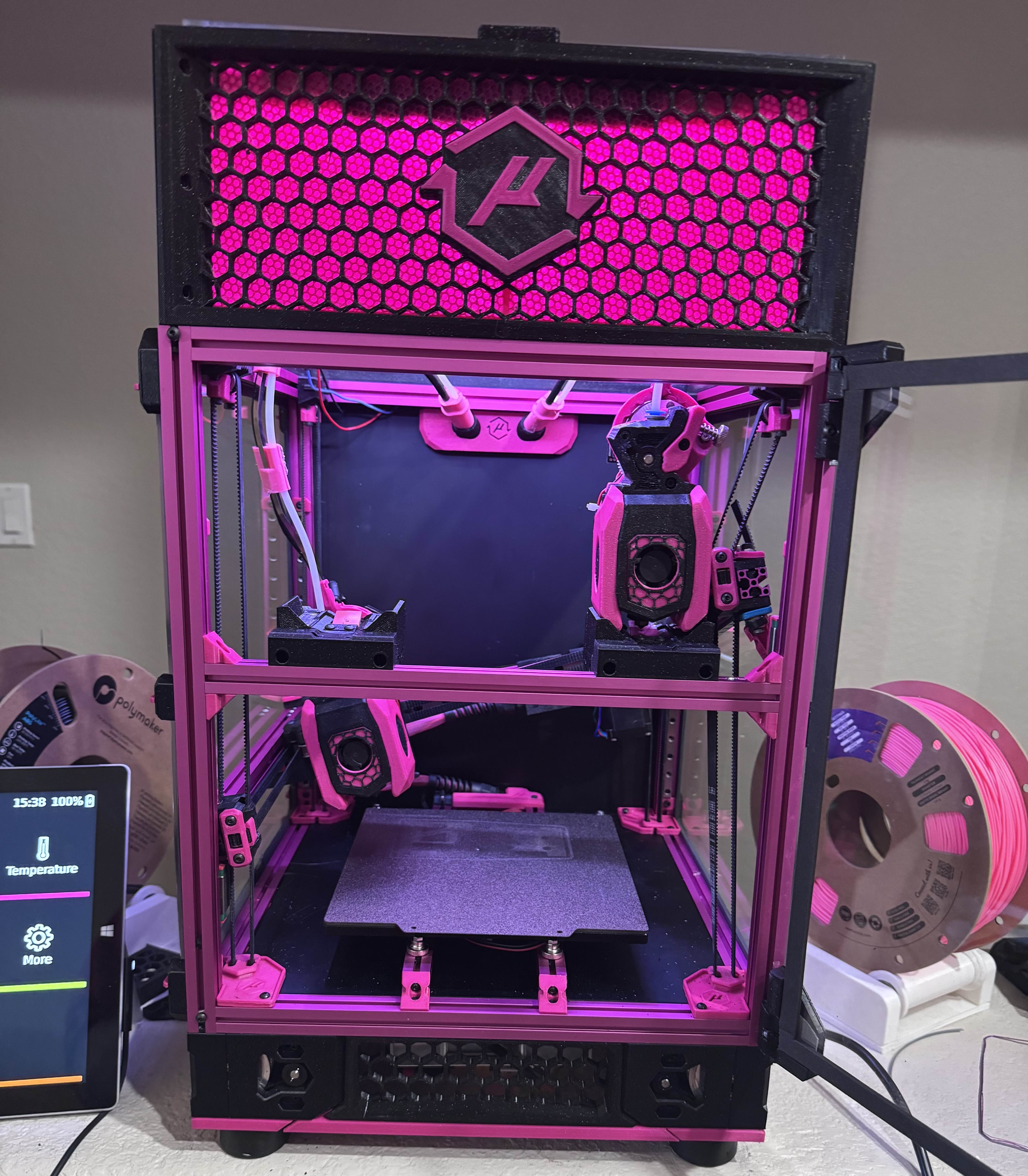
This is an example of what could happen if you tune your configuration too fast for the hardware you are using. Thanks to fireishott on Discord for the image.
Increasing Z speeds
Increasing the max_z_velocity and max_z_accel values should only be done once you are able to do tool changes and should be done in small increments.
[printer]
kinematics: corexy
max_velocity: 300
max_accel: 3000
max_z_velocity: 100
max_z_accel: 1000 # Start with 500 for G2Z.
square_corner_velocity: 5.0
- Increase your
max_z_accelin increments of 100-200 at a time. Test with multiple tool changes between increments. - Increase your
max_z_velocityin increments of 25-50 at a time. Test with multiple tool changes between increments.
Z-Axis Speed Calculator
Input your max_z_accel, max_z_velocity, and Z travel distance to visualise the velocity profile during a Z move. The gold curve shows the actual velocity over time. If the distance is long enough for the axis to reach max_z_velocity, a dashed blue line marks the cruise speed.
params_fast_speed and params_path_speed
params_fast_speed and params_path_speed are klipper-toolchanger's way of limiting the speeds used for tool changes and are located in the [toolchanger] section of the toolchanger-config.
params_fast_speedclamps the all movements to the dock at it's set value.params_path_speedclamps the all of the pickup or dropoff movements within the dock at it's set value.
[toolchanger]
# These paths have been verified to work with StealthChanger with ModularDock, it should not be changed unless you understand what you are doing.
params_dropoff_path: [{'y':9.5 ,'z':4}, {'y':9.5, 'z':2}, {'y':5.5, 'z':0}, {'z':0, 'y':0, 'f':0.5}, {'z':-10, 'y':0}, {'z':-10, 'y':16}]
params_pickup_path: [{'z':-10, 'y':16}, {'z':-10, 'y':0}, {'z':0, 'y':0, 'f':0.5, 'verify':1}, {'y':5.5, 'z':0}, {'y':9.5, 'z':2}, {'y':9.5 ,'z':4}]

params_safe_y: 120 # The distance from absolute zero to the back of the tools in the dock. Allow some extra clearance.
params_close_y: 30 # The relative distance from safe_y the gantry moves to while changing tools.
params_fast_speed: 10000 # Movement speed while outside of the dock during tool changes.
params_path_speed: 900 # Movement speed used for pickup and dropoff during tool changes.
Increasing these values will result in faster tool change movement up to the point of reaching your max_velocity, max_accel, max_z_velocity and max_z_accel values. The max_velocity, max_accel, max_z_velocity and max_z_accel values will be used if params_fast_speed or params_path_speed exceeds them.
Deminishing Returns
After tuning all of your currents and speeds, a typical Voron 2.4 should be capable of tool changes that are less than 10 seconds from the bed and back.
With specialized hardware, faster speeds can be achieved, but you get to the point where there is little to no benifit. As per Prusa's Max Speed Calculator, you can only accelerate so fast until reaching the maximum velocity. With the size of the standard Voron 2.4 being 350mm or less, you start to be limited by the time it takes to actually pickup the tool.
You need to allow enough time for the StealthChanger Shuttle and Backplate to engage cleanly and the OptoTap sensor to detect the presence of the Backplate. Klipper-toolchanger has hardcoded pauses to allow for these things to happen reliably and can not be adjusted by the end user.